|
Liberty Player Thin View and Always-on-Top |
|
Liberty Player Thin View and Always-on-Top |
|
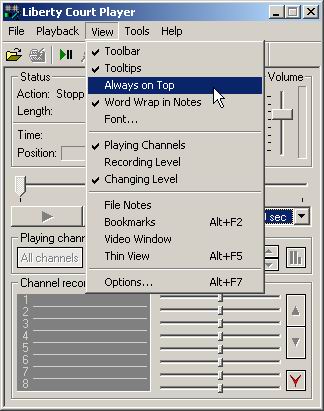
Introduction The Liberty Player allows the user to specify that the Player application will always be on top of other applications. The application also has a "Thin View" feature that compresses the Player Window into a very small view on the desktop. Always on Top
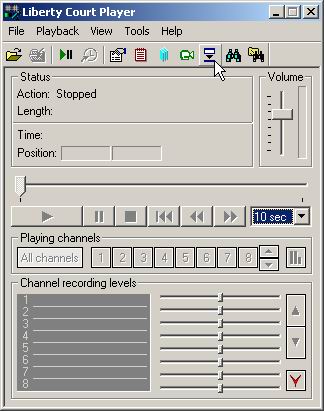
Thin View The user may change the View of the Liberty Player to Thin View. This changes the look of the Player Window so it only takes up a small portion of the desktop space.
Clicking the "Up" toolbar icon on the far right of the Window restores the Player to full view. |
|
Copyright High Criteria Inc. 2005-2024. All Rights Reserved. |