October 10, 2025
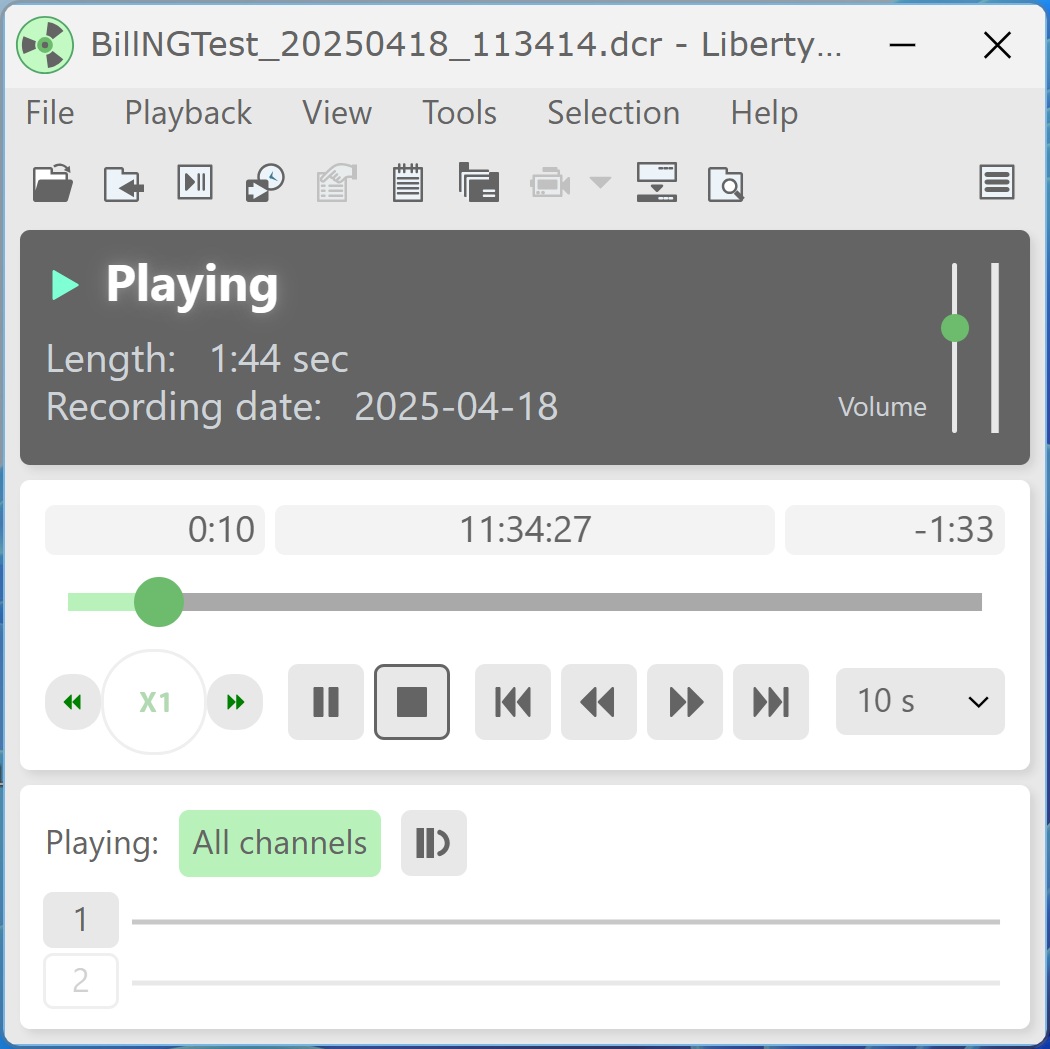
In addition to the newly released Android Liberty Player v2.6 (now available for download from the Google Play Store), the desktop Liberty Player v3.0 introduces a new, modern user interface designed to make playback controls easier to access and recording file information easier to view.
To install, download the ZIP file from the Support page and run the appropriate installer:
For 64-bit installations, run LibPlay30-x64.msi.
For 32-bit installations, run LibPlay30.msi.
The v3.0 beta includes all features and functionality from previous versions of Liberty Player. The primary change in this release is the updated user interface.
Users who prefer the former “classic” interface can switch back at any time by opening View > Options, selecting the General tab, choosing Advanced, and enabling the "Use Classic interface" checkbox.